


system() 函数是什么?
system() 是 C 标准库中的一个函数,定义在 <stdlib.h> 头文件中,它的作用是调用系统的命令解释器(shell)来执行一个指定的命令字符串。
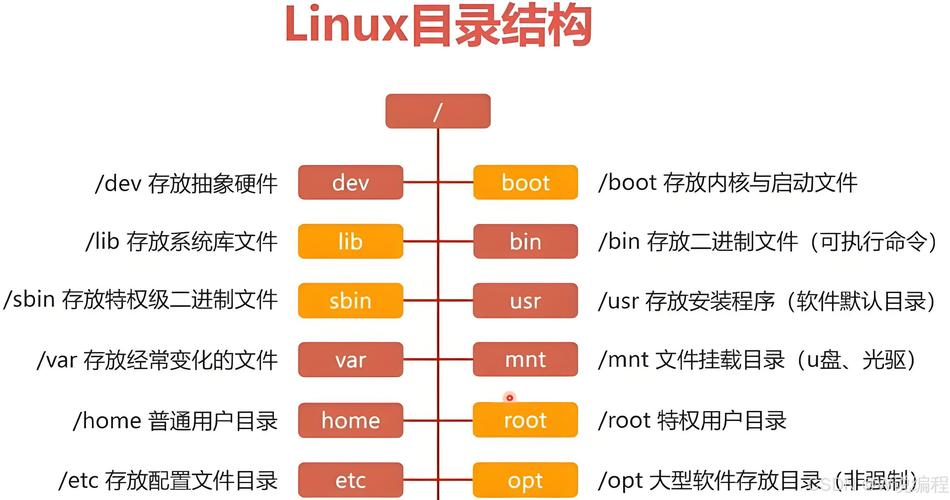
你可以在你的 C 程序中执行任何你在 Linux 终端(命令行)中可以输入的命令。
函数原型
#include <stdlib.h>
int system(const char *command);
参数:
command: 一个指向以 null 结尾的字符串的指针,这个字符串就是你想要在 shell 中执行的命令,如果参数是NULL,system()函数会返回一个非零值,表示当前系统的 shell 是否可用(/bin/sh是否存在且可执行)。
返回值:
system() 的返回值比较复杂,它取决于调用的命令是否执行成功,返回值是 waitpid() 函数返回的状态值的“包装”,具体解释如下:
-
command是NULL: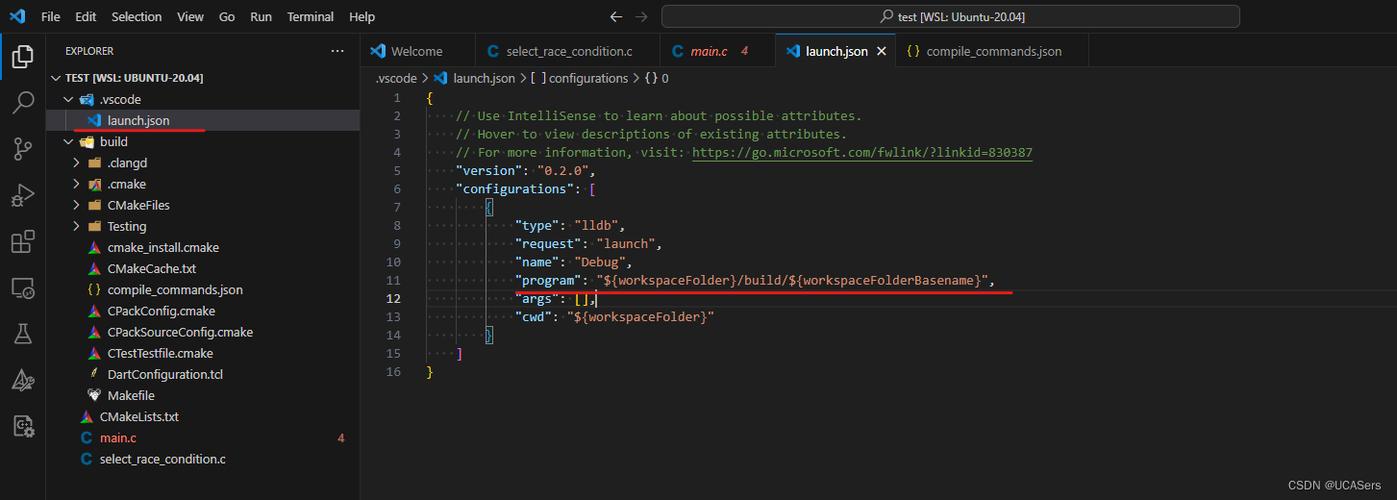 (图片来源网络,侵删)
- shell 可用(
/bin/sh存在且可执行),返回一个非零值。 - shell 不可用,返回
0。
- shell 可用(
-
command不是NULL:- 如果无法启动 shell(
/bin/sh不存在),返回-1。 - 如果成功启动了 shell,
system()会等待 shell 命令执行完毕,然后返回一个由waitpid()获取的状态码,这个状态码需要使用WIFEXITED和WEXITSTATUS宏来解析:WIFEXITED(status): 如果子进程(即 shell)正常终止,这个宏返回真。WEXITSTATUS(status):WIFEXITED为真,这个宏返回子进程的退出状态。这就是我们通常关心的命令是否执行成功的状态码,对于 shell 而言,它返回的是你所执行命令的退出码。- 退出码为
0通常表示命令成功执行。 - 非
0的退出码通常表示命令执行失败或出现了错误。
- 退出码为
- 如果无法启动 shell(
工作原理
system() 函数的实现原理大致如下(它比你想象的要复杂):
- 检查
command是否为NULL:如果是,则检查 shell 是否存在。 - 调用
fork():创建一个子进程来执行命令,父进程会等待子进程结束。 - 在子进程中:
- 调用
signal(SIGINT, SIG_IGN)和signal(SIGQUIT, SIG_IGN),忽略Ctrl+C和Ctrl+\信号,这是为了防止用户中断子进程时也意外中断了父进程。 - 调用
execve()函数,加载并执行/bin/sh,并将command字符串作为sh的参数传递给它。system("ls -l")会让子进程执行/bin/sh -c "ls -l"。
- 调用
- 在父进程中:
- 调用
waitpid()或类似的函数来等待子进程的终止。
- 调用
- 恢复信号处理:子进程结束后,父进程会恢复之前被忽略的信号处理方式。
- 返回状态:
system()最终返回waitpid()获取的状态。
代码示例
示例 1:执行简单命令
这个例子执行 ls -l 命令,并打印其返回值。
#include <stdio.h>
#include <stdlib.h>
int main() {
    int ret;
    printf("Executing command: ls -l\n");
    // 执行 "ls -l" 命令
    ret = system("ls -l");
    // 解析返回值
    if (ret == -1) {
        perror("system"); // 如果启动 shell 失败
    } else {
        // WIFEXITED 检查子进程是否正常退出
        if (WIFEXITED(ret)) {
            // WEXITSTATUS 获取子进程的退出码
            int exit_status = WEXITSTATUS(ret);
            printf("Command exited with status: %d\n", exit_status);
            if (exit_status == 0) {
                printf("Command executed successfully.\n");
            } else {
                printf("Command failed with error code %d.\n", exit_status);
            }
        }
    }
    return 0;
}
编译和运行:
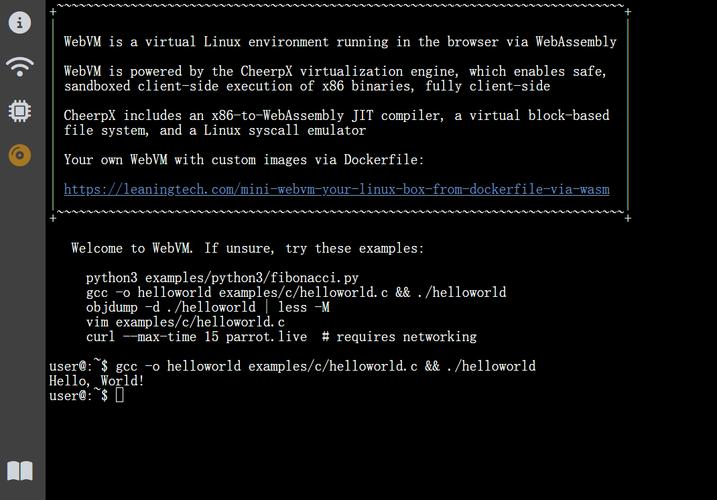
gcc -o system_example system_example.c
./system_example
你会看到终端输出了当前目录的详细列表,并且程序会打印出命令的退出状态 0。
示例 2:执行一个会失败的命令
这个例子执行一个不存在的命令 foo_bar。
#include <stdio.h>
#include <stdlib.h>
int main() {
    int ret;
    printf("Executing command: foo_bar\n");
    ret = system("foo_bar"); // 这个命令肯定会失败
    if (ret == -1) {
        perror("system");
    } else {
        if (WIFEXITED(ret)) {
            int exit_status = WEXITSTATUS(ret);
            printf("Command 'foo_bar' exited with status: %d\n", exit_status);
            // shell 会返回 127,表示 "command not found"
            if (exit_status == 127) {
                printf("The command was not found.\n");
            }
        }
    }
    return 0;
}
运行结果会显示 Command 'foo_bar' exited with status: 127。
安全性:为什么 system() 很危险?
system() 的最大问题是命令注入(Command Injection),如果你的程序中,命令的任何部分来自用户输入,那么你就必须非常小心。
危险示例:
假设你写一个程序,让用户输入用户名,然后显示该用户的信息。
#include <stdio.h>
#include <stdlib.h>
int main() {
    char username[100];
    char command[200];
    printf("Enter a username to check: ");
    scanf("%99s", username); // 危险!直接将用户输入拼接到命令中
    sprintf(command, "grep %s /etc/passwd", username); // 拼接命令
    printf("Executing: %s\n", command);
    system(command);
    return 0;
}
这个程序看起来很正常,但如果一个恶意用户输入以下内容:
myuser; rm -rf /
command 变量的值就会变成:
grep myuser; rm -rf / /etc/passwd
system() 会把这个字符串交给 shell 执行,shell 会把它解释为两条命令:
grep myuser /etc/passwdrm -rf /
第二条命令会递归地删除根目录下的所有文件,后果不堪设想!
如何避免?
- 永远不要将用户输入直接拼接到
system()的命令字符串中。 - 如果必须使用,对输入进行严格的过滤和验证,只允许包含安全的字符(只允许字母和数字)。
- 更好的方法是完全避免使用
system(),转而使用更安全的替代方案。
替代方案
有更安全、更灵活、更高效的方式来替代 system()。
使用 fork() 和 exec() 系列函数
这是 system() 内部的工作方式,但你可以直接控制它,从而避免启动一个额外的 shell 进程,并能更精细地处理输入和输出。
#include <stdio.h>
#include <stdlib.h>
#include <unistd.h>
#include <sys/wait.h>
#include <string.h>
int main() {
    pid_t pid;
    int status;
    // 定义要执行的命令和参数
    char *args[] = {"ls", "-l", NULL}; // 必须以 NULL
    pid = fork();
    if (pid == -1) {
        perror("fork");
        exit(EXIT_FAILURE);
    }
    if (pid == 0) { // 子进程
        // 替换子进程的映像为 "ls" 程序
        execvp("ls", args);
        // execvp 成功,这里永远不会被执行
        // execvp 失败,打印错误并退出子进程
        perror("execvp");
        exit(EXIT_FAILURE);
    } else { // 父进程
        // 等待子进程结束
        waitpid(pid, &status, 0);
        if (WIFEXITED(status)) {
            printf("Child process exited with status: %d\n", WEXITSTATUS(status));
        }
    }
    return 0;
}
优点:
- 安全:不会启动 shell,因此无法执行 shell 特有的语法(如 , ,
&),从根本上避免了命令注入。 - 高效:少创建了一个进程。
- 灵活:可以完全控制子进程的输入/输出(通过管道
pipe)。
使用 popen()
popen() 是一个折中方案,它也启动一个 shell,但允许你通过管道与子进程进行单向通信(要么从子进程读,要么向子进程写)。
#include <stdio.h>
#include <stdlib.h>
int main() {
    FILE *fp;
    char path[1024];
    // 使用 "r" 模式打开管道,读取命令的输出
    fp = popen("ls -l", "r");
    if (fp == NULL) {
        perror("popen");
        exit(EXIT_FAILURE);
    }
    // 逐行读取命令的输出
    while (fgets(path, sizeof(path), fp) != NULL) {
        printf("%s", path);
    }
    // 关闭管道,并获取命令的退出状态
    int status = pclose(fp);
    if (status == -1) {
        perror("pclose");
    } else {
        printf("\nCommand exited with status: %d\n", WEXITSTATUS(status));
    }
    return 0;
}
优点:
- 比直接
system()更方便地获取命令的输出。 - 比自己写
fork+pipe+exec简单。
缺点:
- 仍然启动了 shell,所以仍然存在命令注入的风险(如果输入不安全)。
- 只支持单向通信。
| 特性 | system() |
fork() + exec() |
popen() |
|---|---|---|---|
| 安全性 | 低 (易受命令注入) | 高 (不启动 shell) | 低 (启动 shell) |
| 易用性 | 非常高 | 低 (代码复杂) | 中等 |
| 效率 | 低 (多一个 shell 进程) | 高 (进程最少) | 中等 (多一个 shell 进程) |
| I/O 控制 | 无 | 完全控制 (双向) | 单向控制 (读或写) |
| 主要用途 | 执行简单、无用户输入的命令,需要最大程度简化代码时。 | 需要高性能、高安全性、或复杂 I/O 重定向的场景。 | 需要读取命令输出或向命令写入输入的简单场景。 |
- 优先使用
fork()+exec(),尤其是在安全性要求高或性能是关键因素时。 - 当你需要快速执行一个简单的、内部的、绝对安全的命令时,可以考虑
system()。 - 当你需要读取一个命令的输出时,
popen()是一个不错的选择,但同样要警惕其安全性。 - 永远不要将
system()用于处理任何形式的用户输入。


