


Of course! In C, the #define preprocessor directive is used to create macros, which are a form of text substitution. It's a powerful feature, but it's often misunderstood and can be a source of bugs if not used carefully.
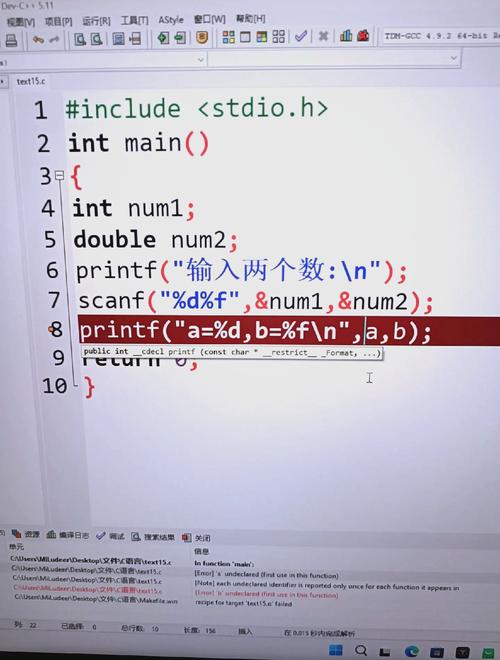
Let's break down how #define works for creating "fields" or, more accurately, named constants and macro functions.
#define for Simple Named Constants (The "Field" Analogy)
This is the most common and safest use of #define. You are defining a symbolic name for a constant value. This is similar to naming a field in a data structure to represent a fixed property.
Syntax:
#define NAME value
There is no semicolon at the end. The preprocessor will replace every occurrence of NAME with value before the compiler even sees the code.
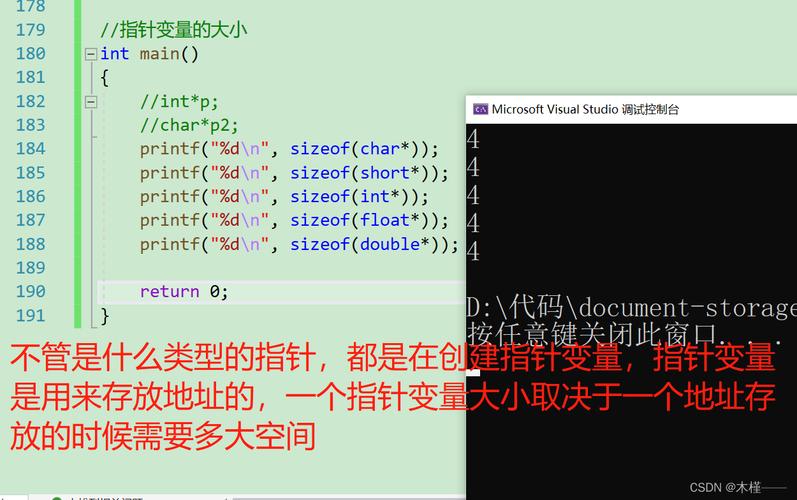
Example: Imagine you are writing a program that deals with a screen. You could use "magic numbers" like this:
// Bad Practice - "Magic Numbers"
int main() {
    int screenWidth = 1920;
    int screenHeight = 1080;
    int borderSize = 5;
    // What does 1920, 1080, and 5 represent? It's not clear.
    if (screenWidth > 1000) {
        // ...
    }
    return 0;
}
Using #define makes the code self-documenting and easier to maintain.
// Good Practice - Using #define for Constants
#define SCREEN_WIDTH  1920
#define SCREEN_HEIGHT 1080
#define BORDER_SIZE    5
int main() {
    int screenWidth = SCREEN_WIDTH;
    int screenHeight = SCREEN_HEIGHT;
    int borderSize = BORDER_SIZE;
    // Now the code is much more readable!
    if (screenWidth > 1000) {
        // ...
    }
    return 0;
}
Why is this better?
- Readability:
SCREEN_WIDTHis much clearer than1920. - Maintainability: If you need to change the screen resolution, you only have to change it in one place (the
#defineline), instead of finding every occurrence of1920in your code. - Error Reduction: You can't accidentally change
SCREEN_WIDTHin your code (e.g.,SCREEN_WIDTH = 800;would cause a compilation error, whereas1920 = 800;would not).
#define for Object-like Macros (with Arguments)
This is where #define starts to look like functions. These are called object-like macros. They take arguments and perform a text substitution.

Syntax:
#define NAME(param1, param2) replacement_text
Example: Let's create a macro to calculate the area of a rectangle.
#define RECTANGLE_AREA(w, h) ((w) * (h))
int main() {
    int width = 10;
    int height = 5;
    int area = RECTANGLE_AREA(width, height);
    printf("Area: %d\n", area); // Output: Area: 50
    // It's just text substitution!
    // The line above becomes: int area = ((10) * (5));
    return 0;
}
The Critical Importance of Parentheses
Look closely at the definition: ((w) * (h)). The parentheses are crucial. Let's see what happens without them.
Bad Macro (No Parentheses):
#define BAD_SQUARE(x) (x * x)
int main() {
    int result = BAD_SQUARE(5 + 1); // We expect (5+1)^2 = 36
    // What actually happens?
    // The preprocessor substitutes: (5 + 1 * 5 + 1)
    // Following order of operations: (5 + 5 + 1) = 11
    printf("Bad result: %d\n", result); // Output: Bad result: 11 (WRONG!)
    return 0;
}
Good Macro (With Parentheses):
#define GOOD_SQUARE(x) ((x) * (x))
int main() {
    int result = GOOD_SQUARE(5 + 1); // We expect (5+1)^2 = 36
    // What actually happens?
    // The preprocessor substitutes: ((5 + 1) * (5 + 1))
    // This correctly evaluates to: (6 * 6) = 36
    printf("Good result: %d\n", result); // Output: Good result: 36 (CORRECT!)
    return 0;
}
Rule of Thumb: Always wrap arguments in parentheses in a macro definition to prevent operator precedence issues.
#define for Function-like Macros (Multi-line)
Macros can also span multiple lines. You must use a backslash \ at the end of each line to continue the macro definition.
Example: A macro to find the maximum of two numbers.
#define MAX(a, b) ((a) > (b) ? (a) : (b))
int main() {
    int x = 100;
    int y = 200;
    int max_val = MAX(x, y);
    printf("The maximum value is: %d\n", max_val); // Output: The maximum value is: 200
    return 0;
}
This is equivalent to the ternary operator .
#define vs. const Variables
Modern C programming (C89 and later) offers const variables. For simple constants, const is almost always a better choice than #define.
| Feature | #define (Macro) |
const Variable |
|---|---|---|
| Type | No type. It's just text. | Has a specific type (e.g., int, float). |
| Scope | Global by default. Can be scoped with #undef. |
Follows normal block scope rules (). |
| Debugging | The name is replaced by the value. You can't see SCREEN_WIDTH in a debugger; you'll see 1920. |
The name exists in the compiled code. You can inspect SCREEN_WIDTH in a debugger. |
| Safety | No type checking. Can lead to subtle bugs. | Type-safe. The compiler will catch type errors. |
| Use Case | Conditional compilation (#ifdef), creating generic code, low-level bit manipulation. |
Defining true constants that shouldn't be changed. |
Example with const:
const int SCREEN_WIDTH = 1920;
const int SCREEN_HEIGHT = 1080;
This is preferred for simple constants because it's type-safe, debuggable, and respects scope.
Special #define Operators: and
The preprocessor has two special operators for more advanced macro manipulation.
a) Stringification ()
The operator converts a macro parameter into a string literal.
Example:
#define LOG_ERROR(msg) printf("Error: " #msg "\n")
int main() {
    int x = 10;
    LOG_ERROR(The value of x is invalid); // x is 10
    // The preprocessor turns this into:
    // printf("Error: " "The value of x is invalid" "\n");
    return 0;
}
b) Token Pasting ()
The operator concatenates two tokens into a single token.
Example:
#define CONCAT(a, b) a ## b
int main() {
    int var1 = 100;
    int var2 = 200;
    int new_var = CONCAT(var, 1); // Becomes int new_var = var1;
    printf("new_var: %d\n", new_var); // Output: new_var: 100
    return 0;
}
Summary and Best Practices
- Prefer
constover#definefor simple constants. It's safer, more debuggable, and type-safe. - Use
#definefor:- Conditional Compilation:
#ifdef DEBUG,#ifndef,#endif. - Header Guards: To prevent a header file from being included multiple times.
#ifndef MY_HEADER_H
#define MY_HEADER_H
// ... header file content ...
#endif
- Macros that truly need to be text substitution (e.g., for generic programming or low-level tricks).
- Conditional Compilation:
- ALWAYS use parentheses in macro definitions to avoid operator precedence bugs.
- Be aware of side effects. Since macros are just text replacement, expressions can be evaluated multiple times.
// DANGEROUS: 'i' is incremented twice!
#define SQUARE(x) ((x) * (x))
int i = 5;
int result = SQUARE(i++); // Becomes ((i++) * (i++))
// result is 30 (5 * 6), but i is now 7!
In conclusion, while #define is a fundamental and powerful tool in C, it should be used with care. For creating "fields" or named constants, const is the modern, safer approach. Reserve #define for tasks that require text manipulation before compilation.


